

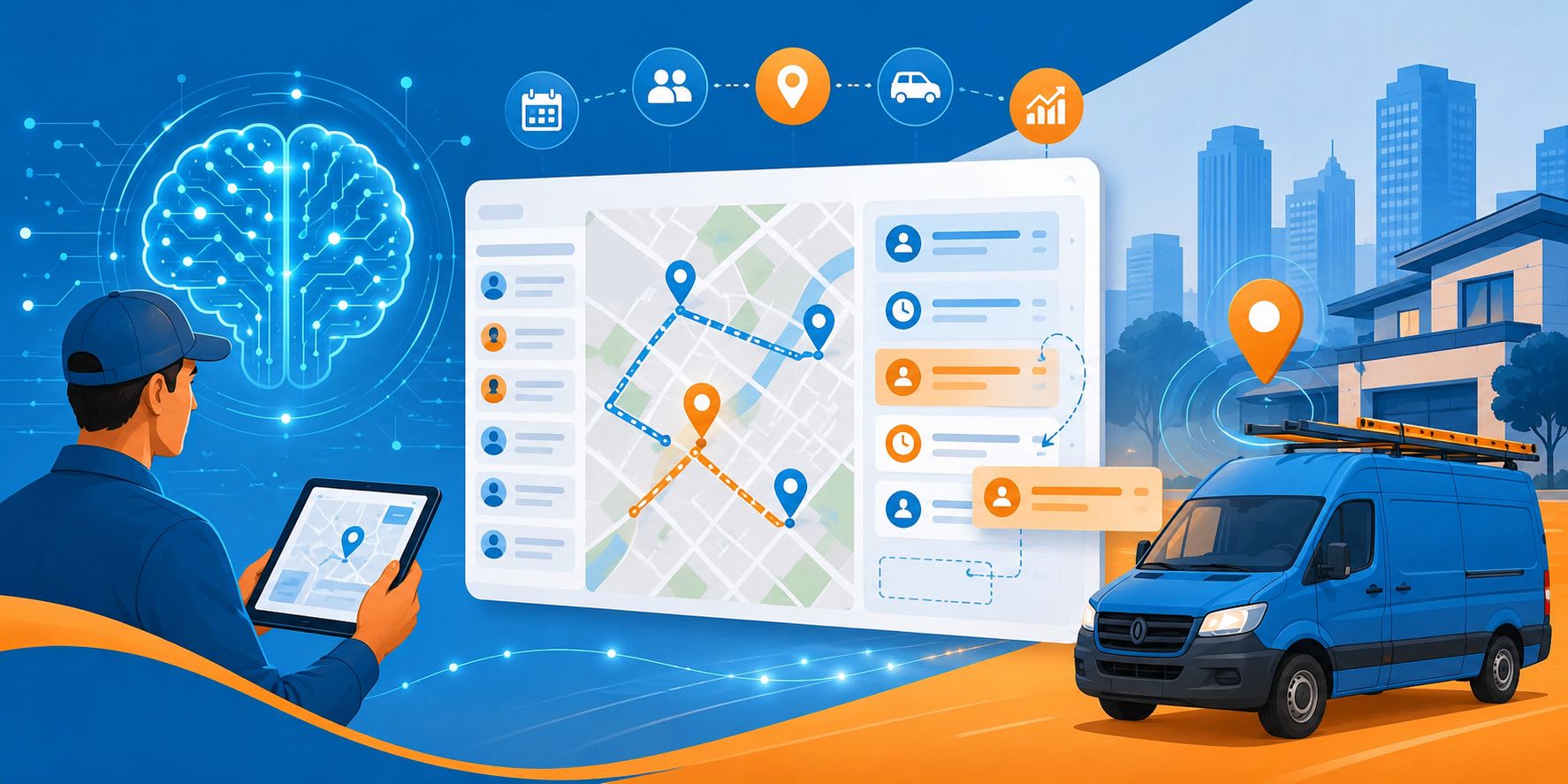
AI Scheduling: The Next Evolution in Field Service Operations
Field service schedules rarely stay intact for a full day. A technician calls in sick, a repair runs over, or an urgent request comes in with little notice. The dispatcher then has to move jobs around without creating another problem later.
This becomes harder as the business grows. More technicians and customers mean more possible assignments, routes, and conflicts. A spreadsheet may show the plan, but it does not help much when several options need to be compared at once.
AI scheduling is built for that pressure. It uses operational data to suggest suitable technicians, identify conflicts, and help teams adjust when the original plan no longer works.
What AI Scheduling Means
AI scheduling uses artificial intelligence and optimization tools to help assign jobs, technicians, time slots, and routes.
The software may compare:
- job location, priority, and expected duration
- required skills, certifications, and equipment
- technician availability, workload, and territory
- current location and travel time
A calendar can show that several technicians are free. It cannot always show which one is the best choice. One person may be nearby but lack the right certification. Another may be qualified but already have a route that leaves no room for delays.
Some systems rank the available options for a dispatcher. Others can assign routine work automatically using company rules. The dispatcher can still step in when the recommendation does not fit the situation.
Where Manual Scheduling Starts to Struggle
Manual scheduling can work well for a small team, but as operations grow, many businesses adopt field service management software to automate scheduling decisions and reduce manual planning. It becomes less dependable as daily job volume increases.
Even one assignment can involve several questions:
- Is the technician qualified?
- Can they reach the customer on time?
- Do they have the required equipment?
- Will the job create overtime?
- Is there enough travel time before the next appointment?
The challenge is answering all of these questions repeatedly while new work continues to arrive.
Scheduling may also rely on knowledge that has never been written down. An experienced dispatcher might know that one technician handles a certain repair particularly well or that a customer prefers someone familiar with the site.
AI scheduling cannot capture every judgment call, but it can move more of the company’s operating knowledge into a shared system. That makes routine decisions more consistent.
What Goes Into a Recommendation?
A recommendation is only as useful as the data behind it.
Job details
The system may review the service location, appointment window, expected duration, priority, required skills, and equipment.
A short inspection and a complex installation may both fit into an open afternoon, but they need different people and resources.
Technician records
Availability, certifications, working hours, territory, workload, planned time off, and relevant experience may all affect the recommendation.
This helps prevent work from being assigned to the first person with an empty slot when someone else is better prepared.
Travel time
Two technicians may both be available, yet one could be ten minutes away while the other is across town.
A travel-aware system can check whether the appointment is realistic and whether the route creates unnecessary driving.
Business rules
The company’s own limits may include:
- overtime policies
- service areas
- crew requirements
- priority accounts
- equipment availability
Without those rules, a recommendation may look efficient on screen but fail in practice.
When the Day Changes
This is often where AI-assisted scheduling is most useful.
If a technician becomes unavailable, the dispatcher may have to review several calendars, move appointments, and contact customers. One reassignment can affect the rest of the day.
The system can shorten that process by:
- identifying qualified replacements
- checking travel time and workload
- showing which option is likely to cause the least disruption
The dispatcher still makes the decision, but the first round of comparison takes less time.
Traditional scheduling | AI-assisted scheduling |
Records appointments and availability | Evaluates the quality of an assignment |
Relies on manual comparison | Compares skills, travel, workload, and rules |
Often finds conflicts after the fact | Flags likely problems before confirmation |
Requires manual rescheduling | Suggests replacement options |
Traditional tools mostly record the schedule. AI-assisted tools help the team decide what to do next.
Practical Benefits
Better technician-job matching
The nearest available person may not have the right certification, experience, tools, or time. Checking those details together can reduce poor assignments, repeat visits, and delays.
Less unnecessary travel
Poor sequencing may send technicians back and forth across the same service area. A more practical route saves fuel and leaves more time for service work.
Earlier conflict detection
Double bookings are easy to spot, but travel gaps are not. A technician may appear free for an hour but still be unable to reach the next customer on time.
Less routine work for dispatchers
Dispatchers still handle urgent work, customer concerns, and unusual cases. They simply spend less time collecting the same information for every assignment.
More reliable customer updates
Schedules based on current availability and realistic travel times support better arrival windows and more consistent updates.
Easier growth
Hiring more technicians increases capacity, but it also creates more combinations for the dispatch team to evaluate. Software can work through those combinations much faster.
Why Dispatchers Still Matter
Scheduling software does not understand every situation.
A customer may prefer the technician who handled the last visit. A worker may be waiting for replacement equipment. A priority account may need special handling that is not obvious from the job record.
These details can change the right decision.
The system reviews the data and recommends an assignment. The dispatcher checks it against what is happening in the field and makes the final call.
AI is good at comparing many options quickly. People are better at dealing with incomplete information, exceptions, and customer relationships.
Choosing AI Scheduling Software
The phrase “AI-powered” is broad, so companies need to look at what the platform actually does.
A useful system should:
- match jobs with technician skills and certifications
- consider location and travel time
- identify conflicts before confirmation
- support changes during the day
- follow rules for territories, crews, overtime, and priorities
- explain why a recommendation was made
Dispatcher control matters. Teams should be able to change a recommendation when the data does not reflect the real situation.
Scheduling also works better when it connects with job records, mobile tools, route planning, dispatch, forms, and customer notifications.
AI Scheduling in Practice
Arrivy brings scheduling intelligence into the field service workflow.
Its AI-powered scheduling suggestions can rank team members as tasks are added, using factors such as skills, drive time, and performance.
Because Arrivy also connects scheduling with dispatching, route planning, field execution, and customer communication, its recommendations can reflect more than an empty calendar slot. They can take into account how an assignment affects the technician’s route and customer updates.
Arrivy’s SAL AI capabilities also support scheduling assistance, operational support, quality control, compliance workflows, and job summaries.
This reflects a wider shift in field service technology. AI is becoming part of the full job process rather than remaining a separate scheduling feature.
Getting Started
AI scheduling depends on accurate records.
Prepare the data
Technician skills, certifications, territories, working hours, and availability should be current. Job details such as duration, equipment needs, priority, and crew requirements should be entered consistently.
Document existing rules
Some scheduling rules may never have been formally recorded even though they influence daily decisions.
Start small
Routine maintenance or inspections are often a good place to begin. The work is predictable, and the results are easier to compare.
Include dispatchers
Dispatchers know where the data and the real-world schedule do not match. Their input is essential during setup and testing.
Measure outcomes
Useful measures include drive time, on-time arrivals, overtime, jobs completed per technician, planning time, and first-time completion rates.
These outcomes matter more than the number of recommendations the system produces.
What Comes Next
Scheduling tools are likely to become more proactive. Future systems may identify delays earlier, improve job-duration estimates, and suggest changes before several appointments are affected.
That will change the dispatcher’s work, but it will not remove the role. Less time may be spent building schedules by hand, while more time goes into exceptions, service quality, and decisions where the data does not tell the full story.
Conclusion
Field service scheduling becomes difficult because every assignment affects travel, workload, customer expectations, and the rest of the day.
AI scheduling gives dispatchers a faster way to compare those factors. It can improve technician matching, reduce unnecessary travel, catch conflicts earlier, and make schedule changes easier to manage.
The best results come from combining accurate data with human judgment. Used that way, AI scheduling supports growth without taking operational control away from the dispatch team.
Want to publish a guest post on aamax.co?
Place an order for a guest post or link insertion today.
Place an Order