

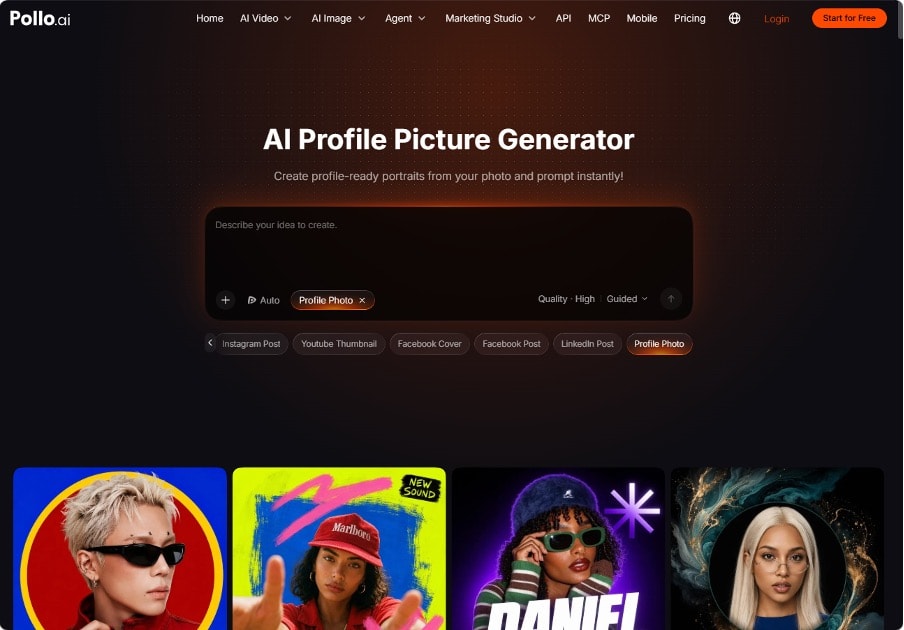
From Casual Selfie to LinkedIn-Ready Headshot: An AI Profile Photo Workflow
A casual selfie can capture your personality without giving you the professional presentation you want on LinkedIn. Distracting backgrounds, uneven lighting, and awkward framing often matter more than whether you wore a blazer, yet arranging a new photo shoot may feel excessive for a simple profile update.
Used thoughtfully, the AI profile picture generator in Pollo AI can help you explore a more suitable portrait, while the steps below explain how to choose a source image, compare results, and refine your final headshot without losing what makes it yours.
Step 1: Pick a Usable Selfie and Clean It Up
Start by choosing a photo where your face is fully visible, looking roughly toward the camera, with no sunglasses or heavy shadows across the eyes. Natural daylight from a window works better than overhead bulbs. Avoid group shots that need tight cropping, since every crop throws away detail the AI will need later.
Older or compressed images are where many people get stuck. A photo pulled from a messaging app or an old social account is often soft, noisy, or blocky around the eyes and hairline. Running it through the face enhancer AI in Pollo AI first can sharpen low-resolution portraits, reduce compression artifacts, and bring back natural skin texture and color before any restyling happens.
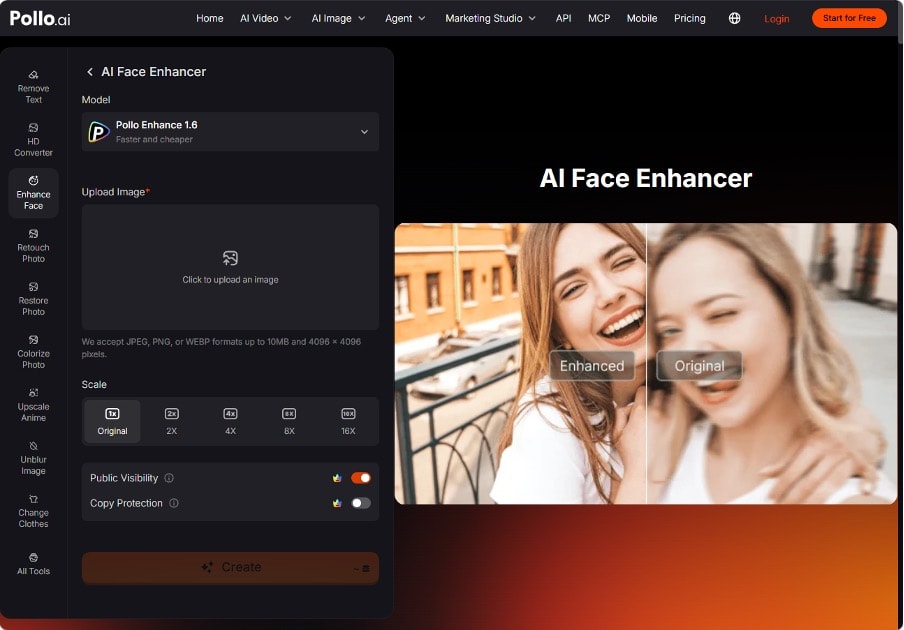
The process is short: upload the image, choose a model and output scale, and generate the enhanced version. This step matters because generators work from what they can see. A clearer reference gives the next stage more accurate information about your features, which makes the final headshot more likely to look like you.
Step 2: Create a Portrait That Fits Your Professional Context
With a clean source image ready, the AI profile picture generator in Pollo AI will recognize portraits, platform-specific styles, and choices involving expression, crop, outfit, and lighting. It works from your actual features and adjusts the parts that make a photo read as professional: even lighting, a neutral or softly blurred background, and attire suited to the setting you choose.
Define that direction before comparing outputs.
A head-and-shoulders composition, a quiet background, soft light, and clothing you could plausibly wear to meet a client or colleague. A designer might prefer a relaxed, contemporary look, while someone in a more formal client-facing role might choose a jacket. Neither needs an elaborate office backdrop.
Keep your comparison focused.
Start with a consistent overall look, then assess differences in expression or framing rather than switching between unrelated styles. This makes it easier to identify which portrait communicates approachability and professionalism, instead of choosing whichever image has the most dramatic lighting.
Step 4: Adapt One Face for Every Platform
A single photo rarely fits everywhere. LinkedIn and a company website call for a polished, neutral look, while a Slack avatar, a podcast guest page, or a creator account can carry more personality. Because the AI profile picture generator in Pollo AI can produce several styles from the same reference, you can build a small set of profile pictures for every platform without booking separate shoots.
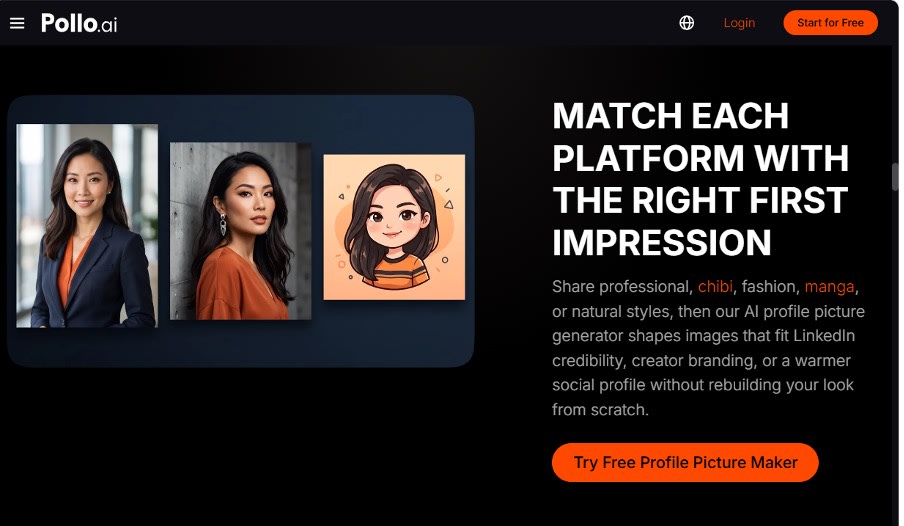
A practical set might include a formal headshot, a warmer business-casual version, and a stylized or illustrated avatar for informal spaces. Keeping the same face, hairstyle, and general look across all three helps people connect your accounts, which is useful for freelancers and consultants who are found through more than one channel.
Step 5: Crop, Check Visibility, and Upload
For a LinkedIn profile photo workflow, leave enough room around your head for the platform’s circular display. Keep your eyes visible, avoid cutting too tightly into your hair, and preview the uploaded result before saving it. A square image is a practical starting point, but the actual profile preview should guide your final crop.
If you used face enhancer AI in Pollo AI, retain the pre-enhancement version so you can reverse the choice after previewing. Also review any public-visibility settings before processing personal photos. Use your own image or one you have permission to edit, and check current privacy terms if uploading facial images raises concerns.
Aim for Recognition, Not Reinvention
A credible professional photo should make you easier to recognize, not create a different person. Start with a clear selfie, use the AI profile picture generator in Pollo AI when the presentation needs changing, and reserve enhancement for a specific quality issue. Pollo AI gives you a practical way to test this workflow with one photo before deciding whether the result belongs on your profile.
Want to publish a guest post on aamax.co?
Place an order for a guest post or link insertion today.
Place an Order