

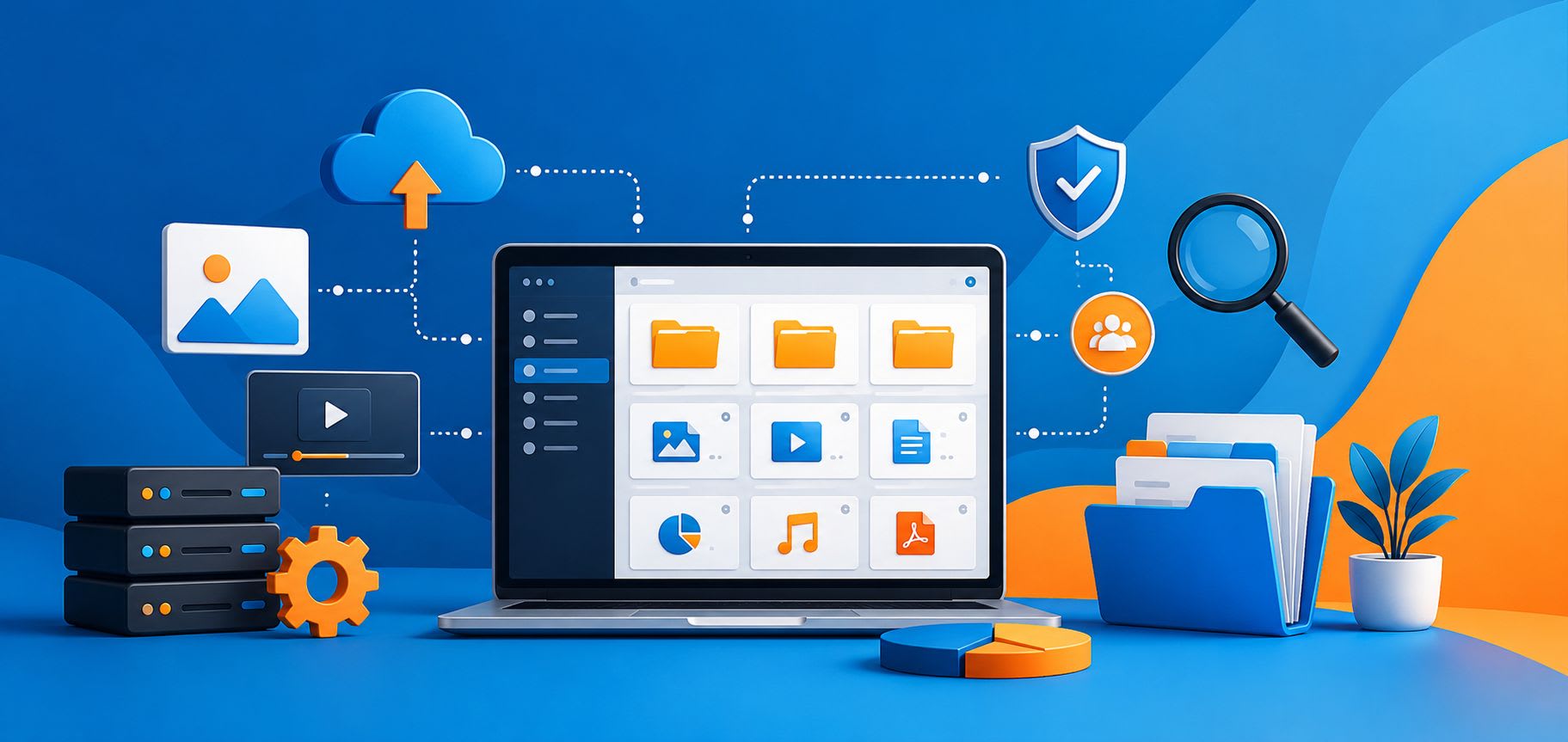
Smart Ways to Manage Digital Content More Efficiently
Digital content management describes the systems and processes an organization uses to create, store, organize, and distribute digital assets across their lifecycle. For most teams, the problem is not a lack of tools but the absence of a coherent strategy connecting them. Files end up scattered across shared drives, inboxes, and personal desktops. Versions multiply. Assets become impossible to find. Getting this under control requires understanding what digital content management actually involves and where most approaches break down.
What Digital Content Management Covers
Digital content includes documents, images, video, audio, presentations, design files, and any metadata attached to them. Managing it means handling several distinct functions simultaneously:
- Storage and organization: where content lives and how it is structured
- Version control: which iteration of a file is current
- Workflow management: how content moves through creation, review, and approval
- Access control: who can view or edit what
- Distribution: how content reaches its destination
- Analytics: how performance informs future decisions
None of these functions operates well in isolation. Digital content management is the practice of connecting them into a coherent system.
What’s the Difference Between DAM and DMS?
Two categories of tools come up consistently in content management conversations:
- Digital asset management platforms (DAM)
- Document management systems (DMS)
And they serve meaningfully different purposes.
What is a DAM?
A DAM platform is built for storing and retrieving large volumes of media assets.
Tools like Bynder and Brandfolder are designed for creative teams managing hundreds or thousands of images, video files, and design assets.
A good DAM makes it possible to search for assets by metadata, manage usage rights, and surface the correct approved version of a logo or brand asset without hunting through folders.
What is DMS?
CMS and DAM platforms handle publishing and media libraries, but neither is built for internal document management at the team or department level. In those cases, companies use document management systems (DMS), like SharePoint.
SharePoint fills that gap for organizations in the Microsoft 365 ecosystem. It handles:
- Document storage with versioning and access control
- Supports structured metadata through content types
- Connects to workflow automation through Power Automate
Task and document management tools extend those native capabilities to give teams more granular control over task assignments and document workflows without requiring custom development.
How to Manage Digital Content More Efficiently
Understanding the tools is the starting point. Putting them to work requires deliberate decisions about how content is created, stored, governed, and eventually retired.
1. Treat version control as a workflow rule, not a fallback
Version control breaks down in a predictable way. Someone downloads a file, edits it locally, saves it with a new name, and sends it to a colleague. The colleague edits the original. A third person combines changes from both without realizing the copies diverged. Within days, four iterations of the same document exist across different locations, and no one is certain which is current.
The fix is keeping files inside a shared system with native version history enabled, where editing the existing file is the correct action rather than creating a new copy.
Both DAM and DMS platforms preserve saved versions automatically with a timestamp and the editor’s name, making it straightforward to restore an earlier state when needed.
For teams that need more oversight, automation tools can add:
- Approval steps before a file is marked final
- Change notifications sent to content owners
- Conditional routing based on document type or sensitivity
The simpler the rule, the more consistently it gets followed: one file, one location, no local copies.
2. Bring video content inside your content library
Video is the format that most content management setups handle the worst. Files are large, formats are inconsistent, and a significant share of business video lives on external hosting platforms rather than inside the organization’s own storage. Training recordings, product walkthroughs, and recorded meetings end up on platforms like Vimeo because sharing a link is faster than managing a file.
The problem is that hosted content is not permanent. Accounts lapse, videos get removed, and an organization that saved only the link loses access without warning. Knowing how to download Vimeo videos and making that a standard step in any video workflow means the file exists in the internal library regardless of what happens on the platform side.
Once video files are inside the system, the same metadata principles that apply to documents apply to them. Useful fields to add to any video library:
- Content type (training, demo, recorded meeting, keynote)
- Project or campaign name
- Presenter or subject
- Recording date
These columns make video assets searchable alongside everything else, rather than sitting in a folder only the original uploader can navigate.
3. Set governance policies before content accumulates
A content library without governance is just organized storage. Files accumulate, ownership becomes unclear, and nobody has the authority or process to remove what no longer belongs. The time to define governance policies is before the problem is visible, not after a shared drive has become unmanageable.
The two practices that make the most difference are retention policies and content ownership. Retention policies define how long different types of content are kept and what happens when that period ends. At the same time, protecting digital content isn't limited to internal governance - strong web hosting security plays an important role in keeping websites, files, and sensitive business information secure throughout their lifecycle.
Common examples:
- Contracts retained for seven years, then moved to a compliance archive
- Working drafts purged after twelve months of inactivity
- Marketing assets archived six months after a campaign closes
Content ownership assigns a named person to each file or folder at the point of creation. When content has an owner, there is always someone responsible for deciding whether it is still relevant and when it should be retired.
4. Apply consistent naming conventions across every system
Naming is the one organizational practice that works regardless of which platform a team uses. A file with a clear, consistent name is easier to find, easier to hand off, and less likely to be duplicated than one saved as “final_v3_REVISED_USE THIS.docx.”
The convention that holds up best across both DAMs and document management systems follows a simple pattern: date, project or category identifier, and a plain-language descriptor. For example, 2025-06_BrandRefresh_LogoVariants or 2025-04_ClientX_ContractDraft. Sorting becomes automatic, project files cluster naturally, and the naming survives personnel changes because it does not depend on anyone’s memory of context.
Two habits make naming conventions stick:
- Define the format before content starts accumulating, not after. Retrofitting a naming convention across an existing library is significantly harder than establishing it from the start.
- Apply it at the root level. If top-level folders follow the convention, the pattern tends to carry through to everything inside them without requiring active enforcement.
The teams that struggle most with file retrieval are rarely missing a better platform. They are missing an agreed-upon naming standard that everyone actually follows.
5. Kee PCs aligned with the shared system
Enterprise content management focuses on shared infrastructure, and individual working environments tend to be an afterthought. In practice, the two are connected. Employees accumulate local copies of files that belong in a shared library, offline versions that diverge from the source, and application caches from collaboration tools that grow quietly in the background.
For Mac users in particular, this is a meaningful concern. Collaboration tools like Teams, Slack, and cloud sync clients generate caches that can reach several gigabytes on computers used heavily for document-intensive work. Clearing those caches periodically, combined with a consistent habit of working from the shared system rather than local copies, keeps individual computers aligned with the broader content infrastructure rather than running a parallel and increasingly outdated version of it.
Conclusion
Most content management problems are process problems wearing the appearance of technology problems. The platforms exist, the features are there, and the governance tools are built in. What breaks down is the layer of habits and policies that determine how those tools get used day to day. Version control, ownership, metadata, and file hygiene do not require sophisticated software to work. They require consistent decisions, applied across the organization, that make the right way to handle content also the easiest way.
Want to publish a guest post on aamax.co?
Place an order for a guest post or link insertion today.
Place an Order